How to Connect Bluetooth Sleep Mask
You just unboxed your new sleep mask, but the silence is frustrating because you cannot figure out how to connect Bluetooth sleep mask features to your phone. These devices promise soothing audio without earbud pain, yet a failed pairing attempt ruins the experience before you even lie down.
This guide walks you through charging, entering pairing mode, and fixing connection errors for Nizoni and For Jinbo models. You will learn the exact button sequences and settings needed to enjoy seamless wireless audio tonight.
Charge Your Mask Before First Use

A dead battery is the primary reason why pairing attempts fail immediately. Your device needs sufficient power to broadcast its signal and maintain a stable connection during the initial setup process.
Check LED Charging Indicators
Locate the USB Type-C port hidden under the fabric flap on the side of your mask. Plug the included cable into a power source and watch the LED light closely for status updates.
- Red Light: The battery is currently charging.
- Blue Light: The battery is fully charged and ready for use.
Charging typically takes between 1.5 and 2.5 hours depending on your power adapter. Never attempt to pair the device while the red light is still on, as some models disable Bluetooth functionality during the charging cycle.
Position Speakers for Optimal Audio Alignment
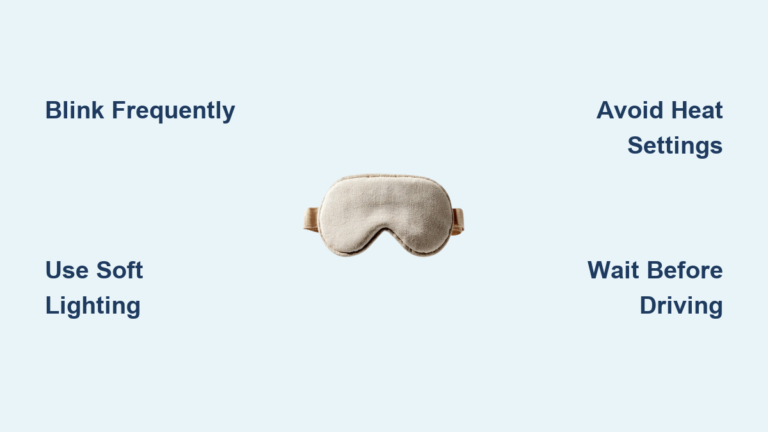
Proper physical fit ensures the built-in speakers align directly with your ear canals. Misaligned speakers result in quiet or distorted audio, making you think the connection failed when it is actually a placement issue.
Adjust Speaker Modules
Find the L and R labels on the internal speaker pods. Slide these modules behind the fabric layer until they sit perfectly over your ears without pressing uncomfortably against your head.
Secure the Fit with Velcro
Tighten the rear strap to block out light while ensuring no pressure rests on your eyeballs. The memory foam should contour around your nose bridge to eliminate light leaks while keeping speakers stationary.
Enter Pairing Mode on Your Sleep Mask
Your phone cannot find the device unless you manually force the mask into discoverable mode. This step activates the internal transmitter to broadcast its presence to nearby devices.
Activate the Discovery Signal
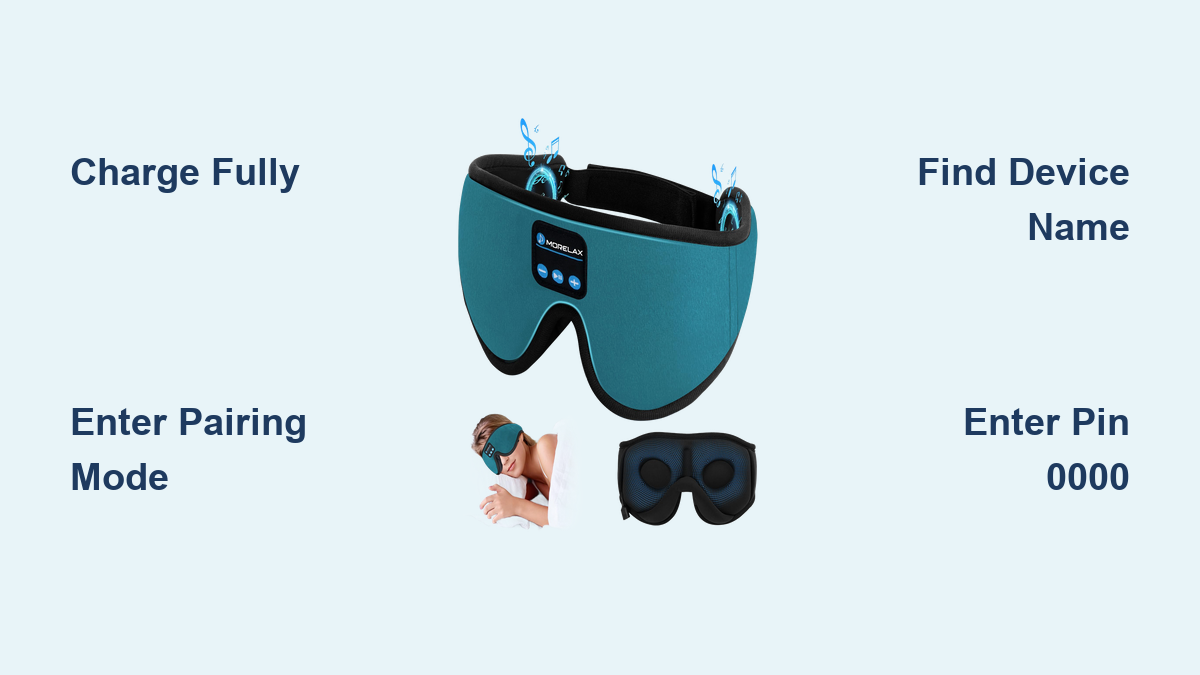
Press and hold the center MF button (Play/Pause) for exactly three seconds. Listen carefully for a beep or voice prompt indicating the system is awake.
Watch the LED indicator closely for a specific flashing pattern. The light must flash red and blue alternately to confirm the mask is visible to other devices. If the light stays solid or does not flash, the battery may be low or the device is already connected to an old phone.
Locate and Connect to Your Device
Open the Bluetooth settings on your smartphone or tablet to begin the search. Your mask must appear in the list of available devices before you can establish a link.
Identify the Correct Device Name
Scan the list of nearby devices for one of the following specific names based on your model. Different firmware versions use different identifiers.
- Nizoni Sleep Mask: Common for YS-BTM0238 models.
- BTF aah: Frequently used by Enjoying brand masks.
- BT Device: A generic name used by some For Jinbo variations.
Ensure your phone is within 3 feet of the mask during this search. Obstacles like walls or heavy furniture can interfere with the signal strength and prevent detection.
Complete the Pairing Process
Tap the device name on your screen to initiate the handshake protocol. Your phone may ask for permission to pair or request a security code.
Enter 0000 if prompted for a PIN or passcode. Wait for a distinct confirmation tone in your ears and watch the LED stop flashing to indicate a successful link.
Master the Control Button Functions
Once connected, you can manage your audio experience directly from the mask without touching your phone. Understanding these controls prevents frustration when you are already under the covers.
Standard Controls for Nizoni and Enjoying
| Action | Button Press | Result |
|---|---|---|
| Play/Pause | Single press (MF) | Starts or stops audio |
| Next Track | Single press (Vol +) | Skips to next song |
| Volume Up | Hold (Vol +) | Increases sound level |
| Volume Down | Hold (Vol -) | Decreases sound level |
| Voice Assistant | Hold 1 second (MF) | Activates Siri or Google |
| Reject Call | Hold 3 seconds (MF) | Declines incoming call |
Controls for For Jinbo Models
The For Jinbo variant uses a simplified scheme where single clicks on volume buttons skip tracks. Holding the volume buttons adjusts the sound level. Use your phone for precise volume control if the mask buttons feel unresponsive.
Set the Auto-Off Timer for Sleep
Running audio all night drains the battery unnecessarily. The Nizoni and Enjoying models include a built-in timer to shut off the device automatically after you fall asleep.
Activate Sleep Timers
Double-press the Volume Up button to cycle through the available timer options. Listen for the voice prompts to confirm your selection.
- First Double-Press: Sets a one-hour shutdown timer.
- Second Double-Press: Sets a two-hour shutdown timer.
- Third Double-Press: Enables long play mode until the battery dies.
This feature is ideal for listening to podcasts or white noise without worrying about battery life or continuous sound disturbing your later sleep cycles.
Troubleshoot Common Connection Issues

Even with correct steps, technology sometimes glitches. Use these diagnostic steps to resolve pairing failures or audio silence quickly.
Fix Device Not Found Errors
| Problem | Solution |
|---|---|
| No flashing light | Long-press MF button until red/blue flash appears |
| Device missing from list | Move phone within 3 feet of the mask |
| Connected to old phone | Turn off Bluetooth on the previous device |
| Low battery warning | Charge fully before retrying pairing |
Resolve No Sound Problems
Check the volume settings on both your phone and the mask itself. Ensure your phone is routing audio to the mask and not the internal speaker or a different headset.
Delete the device from your Bluetooth settings list and repeat the pairing process from scratch. Restarting both the mask and your phone often clears temporary software glitches.
Clean and Maintain Your Mask Safely
Hygiene is critical for face wearables, but water damages electronics. Follow the correct removal process to wash the fabric without ruining the Bluetooth module.
Remove Electronics Before Washing
Gently slide the speaker and battery unit out from the fabric pocket. Push the modules carefully past the nose area to avoid tearing the internal wiring.
Wash Fabric and Dry Thoroughly
Hand wash the fabric portion in warm water or machine wash it only after removing all electronic components. Allow the fabric to air dry completely for 4 to 6 hours before reinserting the module.
Never submerge the Bluetooth unit or charging port in water. Wipe the electronics with a dry or slightly damp cloth if they need cleaning.
Understand Model Differences and Limits
Not all Bluetooth sleep masks offer identical features. Knowing your specific model helps set realistic expectations for audio quality and functionality.
Compare Key Features
| Feature | Nizoni / Enjoying | For Jinbo |
|---|---|---|
| Device Name | Nizoni Sleep Mask / BTF aah | Varies / Generic |
| Timer Function | Yes (Voice guided) | Not available |
| Charging Port | USB Type-C | Often Micro-USB |
| Audio Quality | Clear for voice/podcasts | Basic mono sound |
These devices excel at delivering spoken word content and white noise for side sleepers. They are not designed for high-fidelity music listening or blocking out loud external noises like snoring partners.
Frequently Asked Questions About Bluetooth Sleep Masks
What is the default PIN code for pairing?
Most Bluetooth sleep masks use 0000 as the default passcode if one is requested during pairing. Enter four zeros if your phone prompts for security verification.
Why won’t my phone find the sleep mask?
Your mask is likely not in pairing mode or has a low battery. Long-press the power button until the light flashes red and blue, and ensure the device is fully charged before searching again.
Can I wash the entire sleep mask in the machine?
No, you must remove the electronic Bluetooth module first. Only the fabric portion is washable, and it must be completely dry before you reinstall the speakers and battery unit.
How long does the battery last on a single charge?
Most models provide up to 8 hours of continuous playback on a full charge. Actual duration depends on your volume level and the type of audio content you are streaming.
What do I do if the sound is too quiet?
Check that the speakers are aligned directly over your ear canals and not shifted onto your cheekbone. Increase the volume on both the mask buttons and your source device for maximum output.
Key Takeaways for Connecting Your Bluetooth Sleep Mask
Successfully linking your device requires a fully charged battery and the correct button sequence to enter discovery mode. Remember to look for specific names like “Nizoni Sleep Mask” or “BTF aah” and enter 0000 if a code is requested.
Proper speaker alignment and regular cleaning without water exposure will extend the life of your mask. Follow these steps tonight to transform your bedtime routine with wireless comfort and soothing audio.