
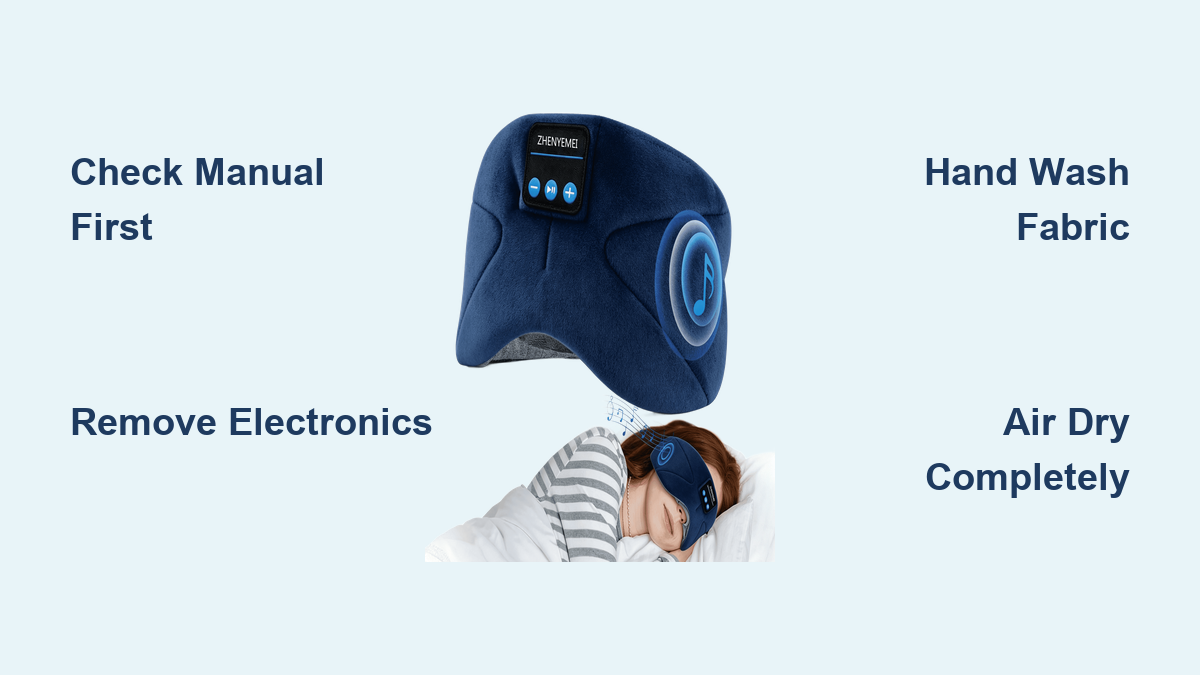
How to Wash Bluetooth Sleep Mask
Your Bluetooth sleep mask blocks light and plays soothing sounds, but nightly use leaves behind sweat, oils, and bacteria. Ignoring this buildup causes skin irritation, unpleasant odors, and potential damage to the fabric or speakers over time.
This guide explains exactly how to wash Bluetooth sleep mask units safely without harming the electronics inside. You will learn to remove components, clean fabric covers by hand, sanitize speaker grilles, and dry your device properly for long-lasting performance.
Verify Manufacturer Cleaning Guidelines First

Every brand designs their electronic sleep masks differently, so you must check specific rules before applying water. Some models feature fully sealed speaker pods safe for gentle washing, while others require strict spot cleaning only. Ignoring these distinctions can void your warranty or ruin the internal wiring permanently.
Locate Your Specific User Manual
Find the physical booklet or search online for your model number. Look for sections labeled “Cleaning,” “Care,” or “Maintenance.” If the manual states “spot clean only,” do not submerge any part of the mask in water. If it confirms removable speakers or washable covers, you can proceed with deeper cleaning methods.
Identify Removable Electronic Parts
Inspect your mask closely to see if the speaker pods unzip, unclip, or slide out.
* Check for small zippers along the inner rim of the mask.
* Look for release tabs on speaker housings.
* Identify if the battery pack detaches from the main strap.
If your mask lacks these features, assume the electronics are non-removable and limit cleaning to surface wiping only.
Remove Electronics Before Cleaning
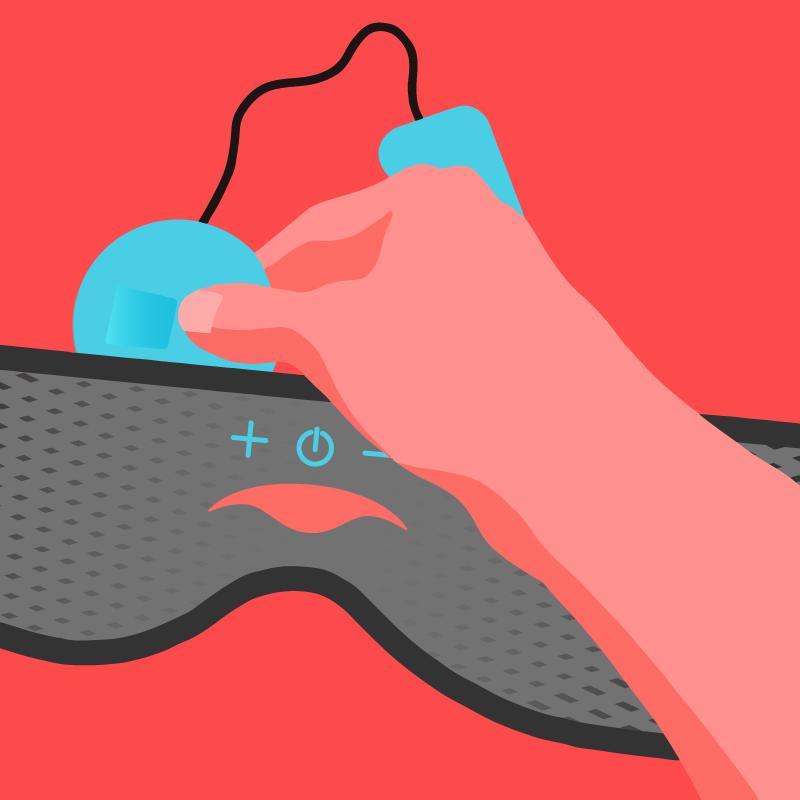
Water and electrical circuits create a dangerous combination that leads to shorts and corrosion. You must separate all electronic components from the fabric before introducing any moisture to the device.
Disconnect Wired Speakers Gently
Many masks use thin wires connecting speakers to a central jack. Grasp the connector plug firmly but gently, then pull straight out. Avoid tugging on the wire itself, as this can fray internal copper strands. If a connection feels stuck, inspect for a locking mechanism rather than forcing it.
Extract Battery Packs Safely
Locate the battery compartment, often found near the temple area or on the back strap. Slide or unclip the battery unit and store it in a dry, cool place. Removing the power source prevents accidental activation during cleaning and eliminates the risk of electrical shock or corrosion.
Spot Clean Masks With Fixed Electronics
If your Bluetooth sleep mask has non-removable speakers, you must use a conservative spot cleaning approach. This method cleans the fabric surface while keeping moisture away from sensitive internal components.
Apply Mild Detergent Solution
Mix a few drops of gentle liquid soap, such as baby shampoo, with lukewarm water in a small bowl.
* Dip a soft microfiber cloth into the mixture.
* Wring the cloth until it is barely damp.
* Gently wipe the fabric, focusing on the forehead and cheek areas.
* Avoid scrubbing directly over speaker grilles or seams.
Do not soak the fabric, as excess water can seep into the electronics and cause failure.
Rinse and Dry Surface Residue
Use a second clean cloth dampened with plain water to wipe away any soapy residue. Soap left on the fabric can attract more dirt or irritate your skin later. Pat the area dry with a fresh towel and let it air dry completely before using the mask again.
Hand Wash Removable Fabric Covers
Masks with detachable speaker pods allow for a more thorough hand wash of the fabric cover. This process removes deep-seated oils and restores the softness of the material.
Soak Fabric in Gentle Solution
Fill a basin with cool water and a small amount of mild detergent. Avoid bleach or fabric softeners, as these chemicals degrade elastic fibers and damage moisture-wicking coatings.
* Submerge only the fabric cover in the water.
* Let it soak for 5 to 10 minutes to loosen dirt.
* Swirl the water gently with your hands to agitate the fabric.
Never twist, wring, or scrub the fabric aggressively, as this can damage the channels where wires sit.
Rinse Thoroughly and Remove Excess Water
Drain the soapy water and rinse the cover under cool running water until no suds remain. Press the fabric between your palms to remove excess water without twisting. Lay the cover flat on a clean towel, roll the towel up to absorb moisture, and then unroll it to air dry.
Sanitize Speaker Grilles and Pods
Even when removed from the fabric, speaker grilles accumulate earwax, lint, and skin oils that affect sound quality and hygiene.
Brush Away Debris Carefully
Use a clean, dry toothbrush or a soft makeup brush to clean the speaker mesh.
* Brush gently across the grille in one direction.
* Lift away lint and dust without pressing hard.
* Avoid using metal tools or sharp objects that could puncture the mesh.
For stubborn debris, lightly dampen the brush tip with water, brush the area, and dry it immediately with a cloth.
Disinfect With Alcohol Swabs
To kill bacteria, use a cotton swab lightly dipped in 70% isopropyl alcohol. Wipe around the edges and surface of the speaker pod. Do not pour alcohol directly onto the speaker or spray it, as liquid can enter the driver unit. Let the alcohol evaporate completely for about five minutes before reassembly.
Ensure Complete Drying Before Reassembly
Moisture trapped inside the mask is the primary cause of electronic failure and mold growth. You must ensure every component is bone dry before putting the device back together.
Air Dry in a Ventilated Area
Lay the fabric cover and speaker pods flat on a dry towel in a well-ventilated room.
* Keep the items away from direct sunlight to prevent fading.
* Avoid placing them near radiators or heaters, as heat can warp plastic and weaken elastic.
* Allow 6 to 12 hours for full drying depending on humidity levels.
Never use a clothes dryer, hair dryer, or microwave to speed up the process.
Confirm Dryness Before Reconnecting
Check the fabric lining, speaker ports, and interior seams for any sign of dampness. If the fabric feels cool to the touch, it may still hold moisture. Wait longer if you are unsure, as reconnecting electronics to damp fabric can cause short circuits.
Reassemble and Test Audio Function
Once every part is completely dry, you can safely put your Bluetooth sleep mask back together. Proper reassembly ensures comfort and maintains the integrity of the audio experience.
Reinsert Components Correctly
Slide the speaker pods back into their designated pockets and reconnect any wires securely. Ensure no fabric is caught in zippers or clips, as this can pinch wires or create uncomfortable bumps against your face. Close all compartments fully to protect the electronics.
Verify Sound and Connection
Power on the mask and connect it to your phone or tablet. Play audio to test the system.
* Confirm both left and right speakers produce sound.
* Listen for any crackling, static, or distortion.
* Ensure the Bluetooth connection remains stable.
If you notice issues, power off immediately and recheck your connections.
Establish a Regular Cleaning Schedule
Consistent maintenance prevents heavy buildup and extends the life of your sleep mask. A regular routine keeps the fabric fresh and the electronics functioning well.
Wipe Down After Each Use
Spend a minute wiping the interior of the mask with a dry cloth after waking up. This simple step removes fresh sweat and oils before they soak into the fibers. It significantly reduces the frequency of deep cleaning required.
Deep Clean Every One to Two Weeks
Set a recurring reminder based on your usage habits.
* Daily users should deep clean their mask every 7 days.
* Occasional users can clean every 14 days.
Regular deep cleaning prevents odors, reduces skin breakouts, and maintains the elasticity of the strap.
Avoid These Common Cleaning Mistakes
Many users accidentally damage their devices by using standard laundry methods. Avoiding these errors ensures your investment lasts for years.
Never Use Washing Machines or Dryers
Standard washers agitate fabrics violently, which can snap wires and dislodge speakers. Dryers expose electronics to high heat that melts internal components. Even if a label says “machine washable,” hand washing is always the safer choice for Bluetooth devices.
Skip Harsh Chemicals and Soaking
Bleach, acetone, and strong disinfectants break down fabric elasticity and corrode metal contacts. Additionally, never submerge the entire mask in water unless the manufacturer explicitly states it is waterproof. Soaking non-waterproof units leads to irreversible electronic failure.
Frequently Asked Questions About Washing Bluetooth Sleep Masks
Can I put my Bluetooth sleep mask in the washing machine?
No, you should never put a Bluetooth sleep mask in a washing machine unless the manufacturer explicitly states it is machine washable. The agitation can break internal wires, and the spin cycle can dislodge speakers. Hand washing is the safest method for all electronic sleep masks.
How often should I clean my sleep mask?
You should wipe down your mask after every use to remove oils and sweat. Perform a deep clean every one to two weeks depending on how often you wear it. Daily users benefit from weekly cleaning to prevent bacteria buildup and skin irritation.
What happens if I get water on the speakers?
If water touches the speakers, dry them immediately with a soft cloth and let them air dry completely for at least 24 hours. Do not attempt to power them on until you are certain they are fully dry to prevent short circuits.
Can I use alcohol wipes on the fabric?
It is best to avoid using alcohol wipes directly on the fabric as they can dry out fibers and fade colors. Use alcohol only on hard plastic surfaces like speaker grilles. For fabric, stick to mild soap and water solutions.
How do I remove odors from my sleep mask?
Soak the removable fabric cover in a mixture of cool water and baking soda for 30 minutes before rinsing. Ensure you remove all electronics first. Air dry the cover completely to eliminate smells without damaging the material.
Key Takeaways for Washing Your Bluetooth Sleep Mask
Properly caring for your device requires separating electronics from fabric and using gentle hand-washing techniques. Always verify your specific model’s guidelines, avoid machine washing, and ensure total dryness before reassembly to prevent damage.
Start your cleaning routine today by checking your user manual and gathering mild soap and a soft cloth. With consistent care, your Bluetooth sleep mask will remain hygienic, comfortable, and fully functional for years of restful nights.